
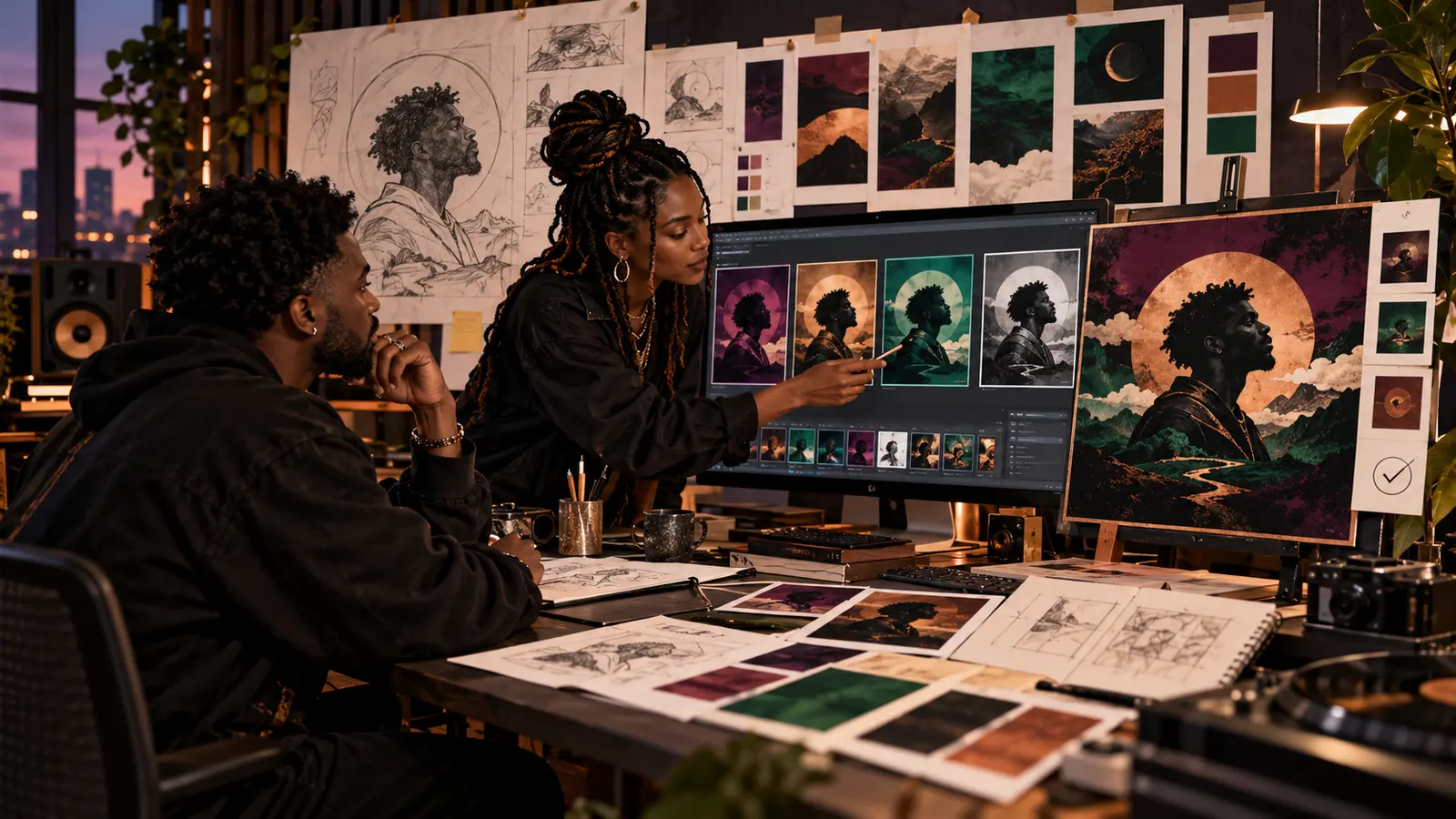
“AI was used” is not enough information to reconstruct how cover art became the approved release image. A useful record separates the artist's brief, authorized source material, generated candidates, human selections, arrangement, retouching, typography, approvals, and final export.
This workflow supports accurate credits and production records; it does not decide copyright, trademark, publicity, contract, or platform eligibility. Review the current tool terms and distributor requirements, obtain permission for every source you provide, and consult qualified counsel for a specific legal question.
Save the human brief before generation
Record the release, audience, format, emotional goal, visual subject, palette, composition, forbidden elements, required text, accessibility needs, and delivery sizes. Add the names and roles of people who approved the brief. Freeze that version before the first output.
A brief demonstrates what the team intended, but it does not prove authorship of everything the system returns. Keep creative direction, legal conclusions, and marketing language in separate fields.
Inventory every input and its permission
List sketches, photographs, logos, typefaces, textures, prior artwork, artist likenesses, reference images, and written prompts. For each input, record the source, creator, license or permission, allowed use, and any restriction. Do not upload private photos, unreleased artwork, visitor posts, or third-party material simply because it is easy to access.
If the artist supplies a human drawing or photograph, preserve the original file unchanged. The U.S. Copyright Office's current AI report distinguishes protectable human expression that remains perceptible from non-human expression; the analysis is fact-specific and cannot be replaced by a generic “human-directed” label.
Number outputs without calling them final
Assign stable IDs such as G001, G002, and G003. Record the tool and feature, date, account or license context, prompt or settings that may lawfully be retained, source inputs, and output filename. Keep rejected candidates long enough to explain the selection process and avoid accidentally reusing one later.
Use the AI session-log structure as a model for inputs, outputs, decisions, and versions. The medium is different, but the discipline of separating generated material from human revision remains useful.
Write the reason for every human selection
For each shortlisted image, note the specific expressive choice: silhouette direction supports the title, negative space leaves room for typography, the color relationship matches the song's emotional turn, or the crop reads at thumbnail size. “Best one” is not a decision record.
Record who selected the candidate and who had authority to approve it. Do not imply that prompt length, repeated generation, or taste alone automatically creates a legal right.
Track arrangement and modification as real edits
Create a new version for crop, compositing, painting, masking, color, lighting, typography, texture, and removal work. Save editable layers when practical and note which person made each change. Preserve the generated source beside the modified version so the difference can be reviewed.
The Copyright Office says human-authored material can remain protected when AI assists the process, and sufficient human selection, arrangement, or creative modification may be relevant, while prompts alone generally do not provide the necessary control. That is guidance for documentation, not a promise that any particular cover is registrable.
Separate provenance from truth
If the tool or editor supports Content Credentials, preserve them and record whether they survived export. The C2PA specification is designed to carry tamper-evident information about media origin and edits, but its own explainer warns that provenance may be incomplete and cannot by itself prove that depicted content is true or accurate.
Do not claim “verified human-made” merely because credentials are absent, or “factually real” because credentials are present. Keep a plain internal record even when embedded metadata may be stripped by a platform.
Run likeness, text, and source checks
Inspect faces, hands, clothing, jewelry, architecture, marks, and background objects. Remove unintended celebrity resemblance, copied logos, suspicious signatures, unreadable lettering, and artifacts. Verify every typed artist name, title, featured-artist line, and credit outside the generated image whenever possible.
Open the final square master and small thumbnail separately. Follow IHHR's cover-art handoff checklist for editable sources, flattened delivery files, permissions, filename control, and export validation.
Approve the visual and the credit together
The approval record should identify the exact file, checksum or version, display text, creator and editor credits, AI-assistance description, source permissions, territory or duration limits, approvers, and date. Do not approve a JPEG preview while delivering a different unreviewed export.
Use plain language such as “AI-assisted artwork; art direction, selection, compositing, typography, and retouching by [credited person]” only when that sentence accurately describes the process. Never invent a human illustrator credit or hide a required disclosure.
Archive the release-ready evidence
Store the brief, input ledger, permissions, generated outputs, selection notes, editable versions, approvals, final masters, checksums, and delivery record in a controlled folder. Share only what the recipient needs; process transparency does not require publishing private prompts, account data, or licensed source files.
Bring general workflow questions to the reviewed artist forum without uploading private artwork. Continue through The Signal for responsible AI and independent-release guidance.
References: U.S. Copyright Office, AI Report Part 2 announcement; U.S. Copyright Office, Copyright and Artificial Intelligence; C2PA, Content Credentials specification; C2PA, Content Credentials explainer. Checked November 1, 2026.
Press Play above to hear IHHR or visit the official Live365 station page.