
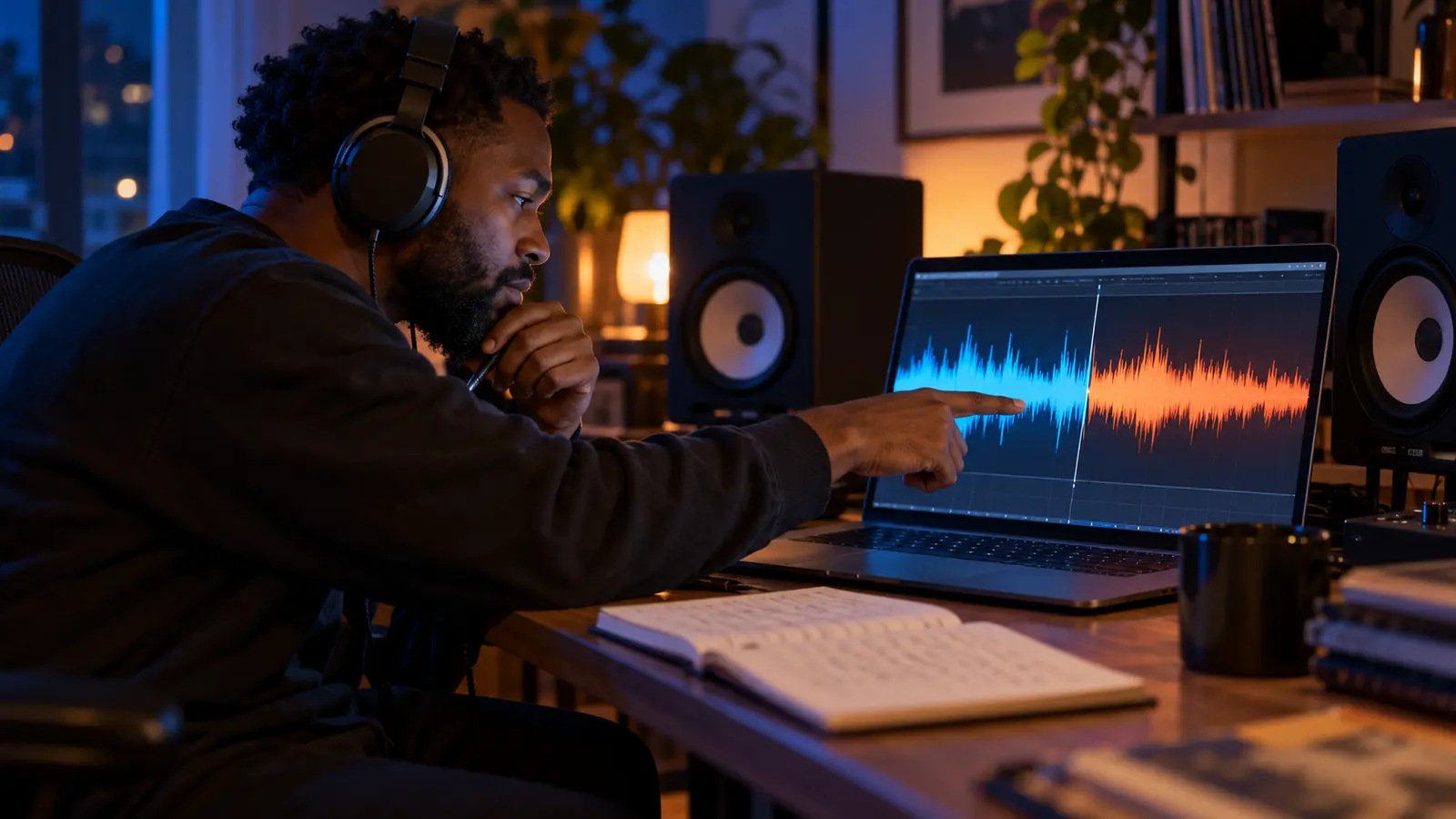
A beat switch can feel like a new song arriving inside the first one, but the most useful listening starts before the dramatic moment. Something may prepare the change: a pause, filtered texture, vocal cue, altered drum pattern, or final note that makes the new section feel connected.
This exercise is about the finished recording. It does not identify the software, sample source, producer technique, or creative intention unless a reliable source has explained those details.
Verify the version you are hearing
Use one complete official version and note whether it is an album master, single edit, remix, video version, or live performance. A platform transition or DJ blend can overlap two recordings, so confirm that the switch belongs to the track itself.
Listen once from the beginning without stopping. On the second pass, mark the point where your sense of tempo, rhythm, harmony, texture, or energy changes most strongly. Do not assume every change is a new beat.
Describe the section before the switch
Choose four elements: drums, bass, main musical texture, and lead voice. Write one sentence about each. Keep it audible and concrete: the snare lands sparsely, the bass repeats a short figure, the vocal sits close to the center, or the harmony holds under the verse.
The hip-hop drum-programming listening guide helps separate pattern, sound choice, and variation without claiming to know the exact equipment.
Find the bridge across the boundary
Replay a short passage that includes time before and after the switch. Ask what signals the change. Does the first section stop cleanly? Does one sound stretch across both parts? Does the voice announce, interrupt, or ignore the new backdrop?
Use the negative-space exercise to hear whether a gap prepares the transition. Silence and thinning are not interchangeable: one may remove nearly everything, while the other leaves a thread that connects the sections.
Track what remains recognizable
A switch can change several musical features while preserving the same voice, lyrical subject, recurring phrase, tonal center, or texture. Name that thread before calling the second section unrelated.
If the apparent constant is only the performer, explain what the delivery does differently. A denser flow may react to a sparser rhythm; a slower line may create room inside a busier pattern. Describe the relationship without treating speed or complexity as automatic improvement.
Compare the two sections without ranking them
- Rhythm: what changed in pulse, subdivision, or drum placement?
- Low end: did the bass pattern, weight, or amount of rest change?
- Texture: what became brighter, darker, thinner, or denser?
- Voice: did cadence, register, space, or supporting layers change?
- Function: does the second section continue, answer, interrupt, or reframe the first?
Ableton's Arrangement View manual defines the arrangement as the complete linear layout of a song. Use that whole-timeline perspective: the switch is not just two impressive loops but a relationship between sections and the path connecting them.
Listen through the ending
Ask whether the song returns to the first section, develops the second, combines elements, or ends without returning. The song-ending listening guide helps describe how the final passage changes the meaning of the switch.
Write a five-line note naming the version, boundary, strongest change, retained thread, and ending. Avoid invented sample credits, plugin lists, or claims about why an artist made the decision.
Worked example: the first switch in “SICKO MODE”
Use Travis Scott’s official audio upload of “SICKO MODE” (explicit language). This source-guided example applies the five-line note above using published descriptions, rather than presenting them as IHHR’s firsthand listening observations.
- Version: the official audio upload, not a fan edit or live performance.
- Boundary: HipHopDX’s reporting places the interruption of Drake’s opening verse at about 0:59.
- Strongest change: Pitchfork’s review describes an organ-led opening with Drake, followed by a cut to a different, bouncing instrumental with Travis.
- Retained thread: follow the performers across the whole track: Pitchfork notes Drake’s later return. Recurring voices provide one point of comparison even when the backing changes.
- Ending: the same review identifies a closing Travis verse. Track who has the final word without assuming the opening instrumental must return.
Replay roughly 0:45–1:15. First follow the voice; then replay while following drums, bass, and the main musical texture. Add one detail you can personally locate on each side of the boundary. Continue to the end and record what returns. Keep those observations separate from your interpretation of the switch’s effect.
The reported cutoff gives the exercise a concrete starting point; it does not establish a producer’s intention, an editing method, or a precise tempo change. These approximate times are replay checkpoints.
Example sources checked: official artist-channel upload, HipHopDX report, and Alphonse Pierre’s Pitchfork review, October 23, 2026.
Share a short observation about the current broadcast in the IHHR live chat without links or personal details. Explore more listening guides in The Signal, join the permission-based IHHR newsletter, or return to the live stream.
Reference: Ableton Live 12 Manual, Arrangement View, checked October 22, 2026.
Press Play above to hear IHHR or visit the official Live365 station page.