
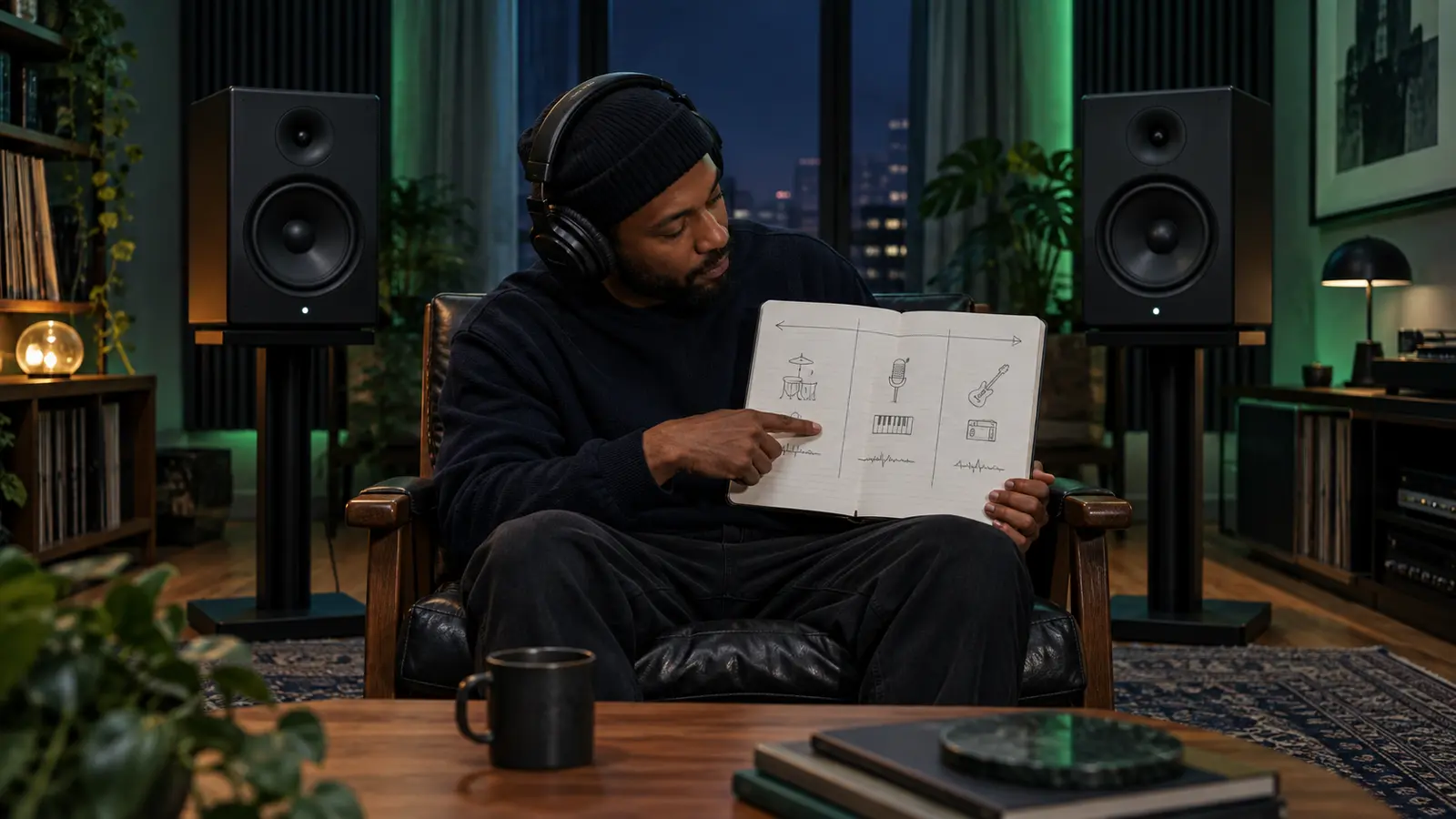
Stereo placement is the impression that a sound sits left, center, right, or somewhere between. In rap and R&B, that map can help a centered lead vocal remain clear while doubles, harmonies, percussion, samples, and effects create width around it.
This is a listening exercise, not a claim about the mix session. A finished recording may create position with level, timing, tone, ambience, automation, or several methods together. Describe what reaches your ears before guessing how it was produced.
Set up a fair first listen
Use the official full-length recording. Sit centered between two speakers at equal distance, or wear properly seated headphones. Choose a comfortable level and leave it fixed. Turn off spatial enhancement, headphone virtualization, or sound modes when you can identify them.
Draw three columns labeled left, center, and right. Leave room between them for sounds that feel partly off-center. On the first pass, mark only the three most obvious anchors. A lead vocal, kick, snare, or bass may appear near the center, but record what you actually hear.
Find the center before the edges
Ask which element stays stable when the arrangement becomes busy. Follow the lead vocal through a verse and hook. Does it remain centered while support voices move outward? Does a sample lean to one side while drums hold the middle?
Do not equate center with importance in every song. An off-center response, guitar, key, or percussion part can carry the listener’s attention. The map is descriptive, not a ranking.
Separate fixed positions from movement
On a second pass, draw a dot for a stable position and an arrow for a sound that travels or changes width. Note the timestamp and section. Effects may appear briefly at the end of a line, while a harmony can enter wide only in the hook.
Ableton’s current mixing manual describes its default stereo pan control as positioning a track’s output in the stereo field, while split stereo pan mode positions the left and right input channels separately. That distinction is useful vocabulary, but it does not prove which control a released song used.
Listen by role, not by instrument name
Make four short passes: lead and support voices; drums and percussion; bass and low instruments; then musical layers and effects. A single pass through a dense arrangement can hide short responses and reverbs.
Use the ad-lib arrangement guide to compare how support voices answer the lead. If you are reviewing newly recorded material, the punch-in session checklist can help keep alternate deliveries organized before the mix changes their placement.
Run a mono check without calling it better
If your player or system offers a trustworthy mono control, listen once in mono at a matched, comfortable level. Notice which elements stay clear, crowd together, become quieter, or change character. Mono is a diagnostic perspective, not a verdict that the stereo version is wrong.
Ableton’s audio fact sheet documents one implementation detail: Live uses constant-power panning, and its manual notes that extreme panning can involve a level change and may benefit from narrower source width. That is a production fact about Live, not a universal explanation for every recording you hear.
Compare sections, not just isolated sounds
Map a verse, hook, and bridge or outro on separate rows. Count how many elements occupy the center and sides in each section. A hook can feel wider because new parts arrive at the edges, because ambience expands, or because the verse was deliberately narrow.
Pair this map with the dynamic-contrast exercise to separate width from loudness and density. Then listen again from the IHHR player and describe one audible placement change without inventing the studio method.
Write a useful listening note
Use a timestamp, section, element, position, and change: “At 1:08, the response vocal enters right while the lead stays centered; the next line answers from the left.” That is more useful than “the mix is wide.”
Share close-listening questions in the live chat without quoting protected lyrics or claiming access to a session you did not attend. Find more exercises in The Signal.
References: Ableton Live Manual, Mixing; Ableton Live Manual, Audio Fact Sheet. Checked October 26, 2026.
Press Play above to hear IHHR or visit the official Live365 station page.