
A folder called Backup is not proof that a song can be recovered. A session may open with missing samples, a master may be the wrong revision, or an external drive may contain only shortcuts to files on the original computer. A useful archive lets someone identify the approved work, locate its dependencies, and restore it without guessing.
Build the archive while the project still works. Waiting until a laptop fails turns an ordinary studio task into an investigation with fewer clues.
Separate the working project from the release archive
The working folder can contain experiments, abandoned takes, and changing arrangements. The release archive should be a dated snapshot with an obvious approved version. Keep both, but do not make a future collaborator search through every experiment to find the actual master.
Create a short index naming the artist, release, session application and version, approved mix, mastering date, file formats, and responsible contact. Record any unresolved issue instead of letting it disappear inside a folder name.
Collect the dependencies
Check where the session finds its recorded audio, imported beats, samples, impulse responses, presets, video, and other media. Use the application's documented project-collection process where available. Copy only material you are authorized to retain or share, and respect software and sample-library licenses.
Make notes about plug-ins, instruments, unusual routing, external hardware, and settings that may not travel with the session. When appropriate, preserve approved audio renders of important parts as well as the editable source. A rendered part is not a replacement for the full session, but it can preserve the sound if a dependency becomes unavailable.
Keep the release evidence together
- Audio: approved full mix, clean version if applicable, instrumental, performance backing, and clearly identified alternate masters.
- Creative source: session files, recorded media, lyric drafts, arrangement notes, and contributor-approved versions.
- Release information: titles, credits, identifiers, dates, artwork, captions, and official links.
- Permissions: relevant licenses, contributor approvals, and agreements stored securely.
If AI-assisted material was part of the work, retain the factual version history from the AI music session-log guide. Keep credentials, recovery codes, and private account information out of a folder intended for routine collaborator delivery.
Use more than one failure boundary
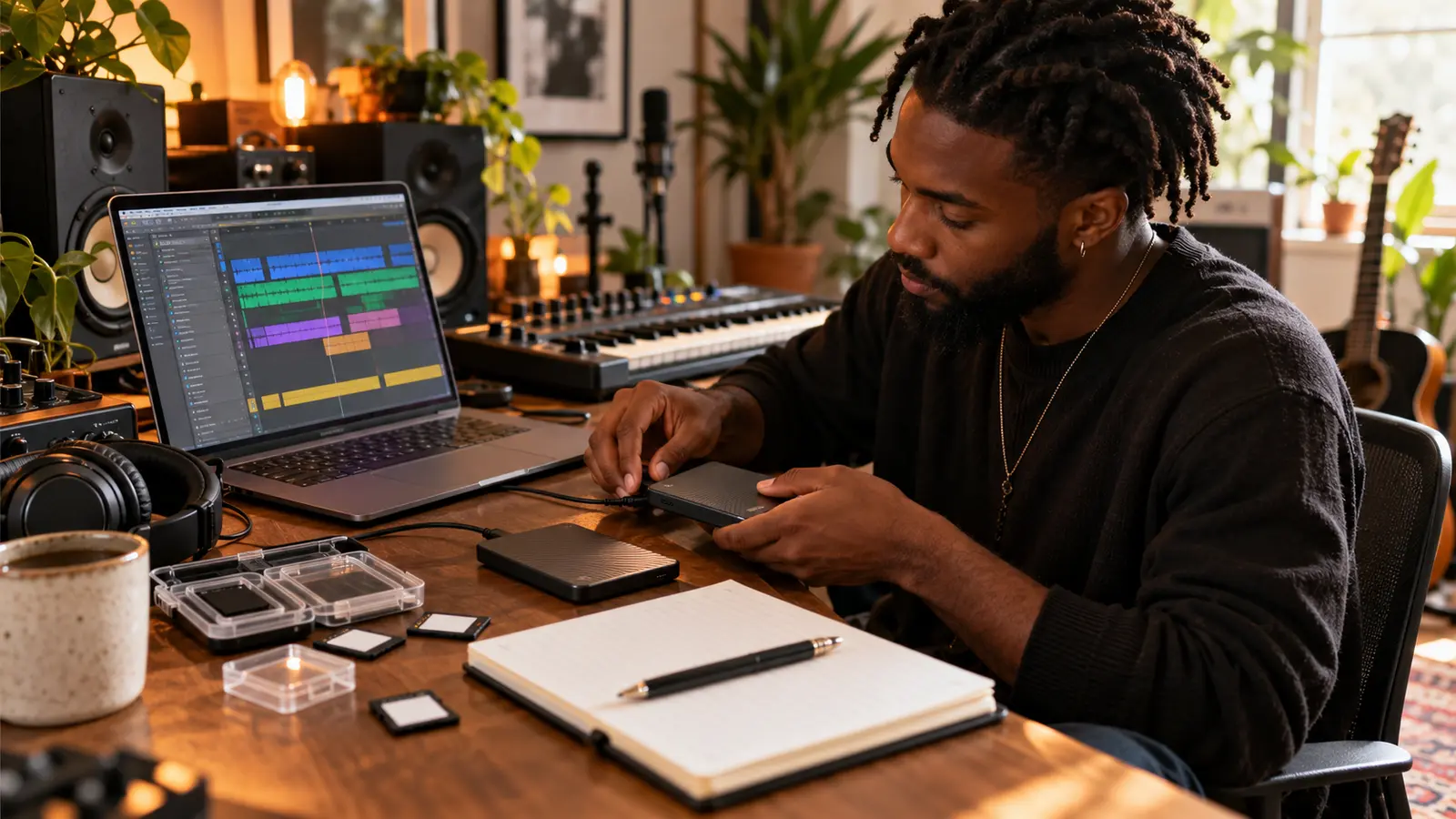
CISA's Data Backup Options guidance describes the 3-2-1 approach: three copies of important data, on two media types, with one copy offsite. Its ransomware guidance also recommends offline backups and regular restoration tests. These principles help prevent one lost device or compromised connection from becoming the only path to every copy.
Apply the principle to your actual setup rather than buying storage blindly. Two folders on one laptop are not protection against losing that laptop. A drive permanently connected to it may share some risks. Check what your cloud service retains, how deletions are handled, and whether older versions can be recovered; do not assume a synchronized folder has the recovery behavior you need.
Test a restore into a different location
Copy the archived project into a separate test folder or another authorized machine. Open that copy without changing the approved archive. Confirm that the audio is present, the arrangement matches, essential processing is available, and the final export plays from beginning to end.
Compare the restored render with the approved reference at a comfortable level. Check the opening, transitions, vocal layers, clean replacements, and final tail. Document anything that requires manual repair so the next restore does not repeat the discovery.
Make the approval unmistakable
Use stable filenames with artist, title, version, and revision date. Keep one note saying which file was delivered and approved. If a correction becomes necessary, create a new dated snapshot and identify what changed instead of silently replacing the archive's meaning.
When choosing a song for the next outreach round, retrieve the exact approved file using the focus-track selection guide. If the bridge or arrangement is the reason you chose it, describe that detail with the R&B bridge listening method, not a vague claim that the record is special.
Finish with a recurring studio habit: archive at meaningful milestones and perform another restore test after major software or storage changes. General workflow questions belong in the reviewed artist forum; private files and agreements do not. More practical guides are in The Signal.
References: CISA, Data Backup Options and StopRansomware Guide, checked October 17, 2026.
Press Play above to hear IHHR or visit the official Live365 station page.