
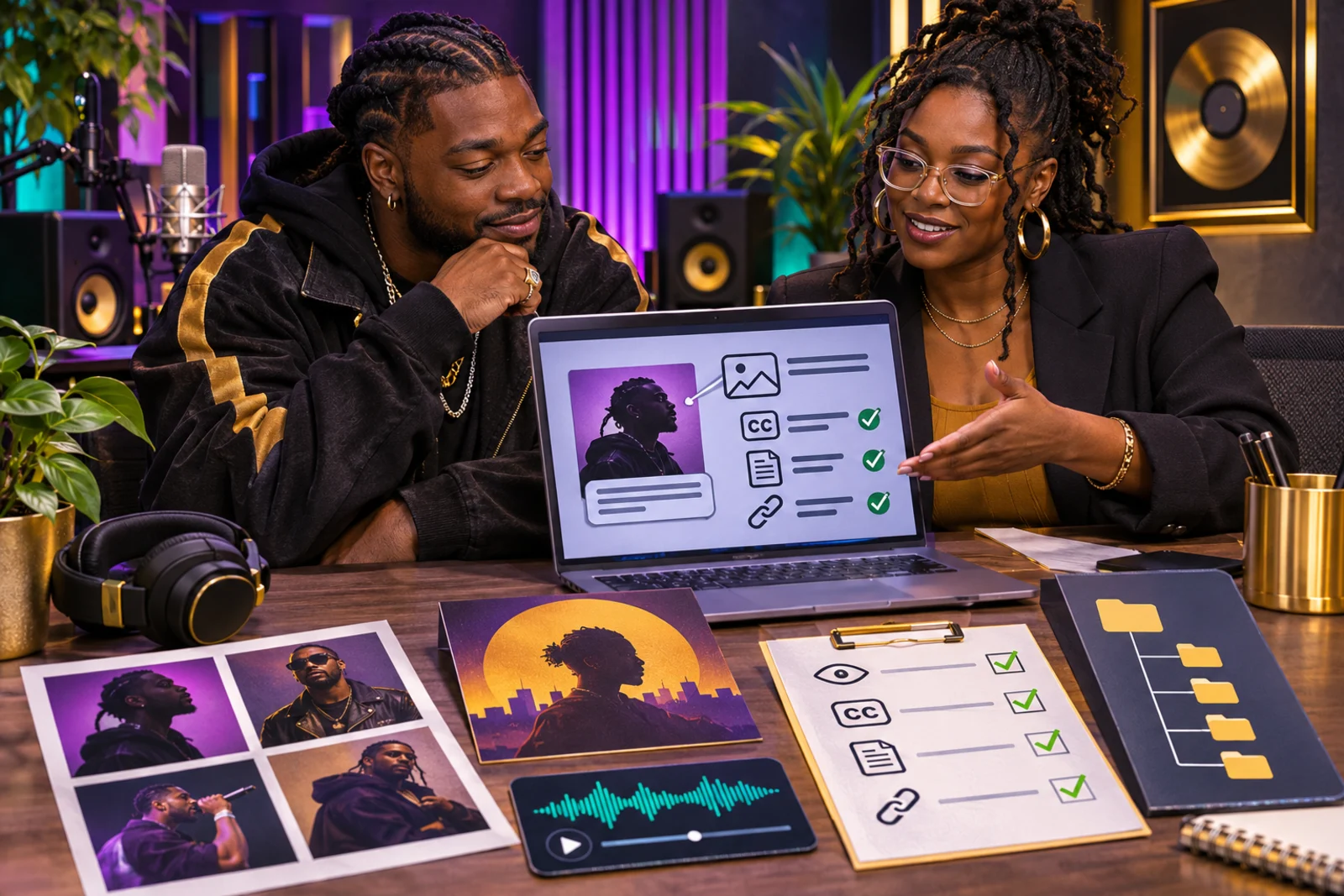
An artist media kit should let a radio host, editor, event producer, or collaborator understand the approved story without having to guess what an image shows, hunt for a transcript, or open files with names such as “final-final-2.” Accessibility begins with the same discipline as good press preparation: identify each asset, explain its purpose, and give the recipient a usable alternative when sight or sound alone does not carry the information.
This workflow improves the handoff, but it is not a blanket claim of legal compliance. Requirements depend on the content, audience, platform, and jurisdiction. Use qualified accessibility and legal review when a project calls for it.
Inventory the kit by purpose
List the approved biography, fact sheet, press photos, cover art, logo files, audio preview, video, captions, transcript, credit sheet, contact route, and usage notes. Mark the owner, version date, approval status, and intended use for every item. Remove drafts, expired links, private contact data, and files the artist has not cleared for distribution.
Start from the IHHR current press-kit folder workflow, then add an accessibility field beside each asset. That field should say what alternative is supplied, where it lives, and who checked it.
Write alt text for the image's job
Alt text should communicate the purpose of an informative image in its current context. For a press portrait, identify the artist and the meaningful visual details a recipient needs to select or discuss the photograph. For cover art, name it as the cover and describe the central visual concept. Do not stuff the field with keywords, repeat a caption word for word, or make unsupported claims about mood, identity, popularity, or intent.
A decorative flourish may need an empty text alternative on the page where it adds no information. A linked image needs text that describes the destination or action. The same image can require different wording in a download gallery, article, or button because its function changes.
Caption video and transcribe meaningful audio
Provide synchronized captions for spoken words and important non-speech sound in video. Identify speakers when the viewer cannot tell who is talking. Review names, music terminology, and timing manually instead of treating an automatic transcript as final.
For an interview, audio statement, or electronic press-kit reel, place a transcript beside the media or link to it immediately. Include the spoken information and meaningful sounds needed to understand the piece. A descriptive transcript can also explain important visual action that is not conveyed by the soundtrack. Do not publish unreleased lyrics, private conversation, or another person's words without permission.
Make links understandable out of context
Replace “click here,” “more,” and raw storage URLs with labels such as “Download approved 2026 press portraits” or “Read the interview transcript.” A recipient scanning a list of links should be able to predict what each one opens. If a download is large or uses a specialist format, state the file type and size before the action.
Use a consistent folder structure and descriptive filenames: artist-name_asset_subject_credit_version_date.ext. Keep human-readable names even if an internal asset system adds IDs. Avoid relying on color alone to distinguish approved, pending, and retired files; use visible words or symbols with text labels.
Pair every public asset with credit and permission
Store photographer, illustrator, producer, writer, and other contributor credits beside the relevant asset. State whether the file is approved for editorial use, whether cropping is permitted, and whom to contact for another use. Accessibility text does not replace a credit, license, release, or usage agreement.
For a paid presentation option, the IHHR Artist Spotlight page explains the current sponsored placement. A paid spotlight is disclosed and does not guarantee airplay, rankings, sales, streams, royalties, or audience totals.
Test the handoff without insider knowledge
Ask a reviewer who did not assemble the kit to find the current biography, choose an approved horizontal photo, identify its credit, open the transcript, and explain where each media link goes. Have them navigate with a keyboard and review the reading order and visible focus on the delivery page. Fix ambiguous labels and missing alternatives before sending the folder.
Finally, open the kit on a phone and a desktop, download the assets, and check that captions remain attached or clearly paired. Record the review date and the exact version tested. Accessibility can disappear when a correct source file is copied into an inaccessible player or an unlabeled replacement link.
Use a seven-point release check
- Inventory: only current, approved assets remain.
- Images: informative images have purposeful text alternatives.
- Media: video has reviewed captions and meaningful audio has a transcript.
- Links: every label predicts its destination or action.
- Files: names, types, sizes, and version dates are clear.
- Rights: credits and permitted uses travel with each asset.
- Review: another person tests the actual delivery experience.
Archive the approved kit and its accessibility notes together. When a photo, bio, player, transcript, or contact route changes, update the alternative and retest the handoff rather than assuming yesterday's review still covers it.
References: W3C Web Accessibility Initiative, Writing for Web Accessibility; W3C WAI, Easy Checks; W3C WAI, Creating Audio and Video Transcripts. Checked November 16, 2026.
Press Play above to hear IHHR or visit the official Live365 station page.