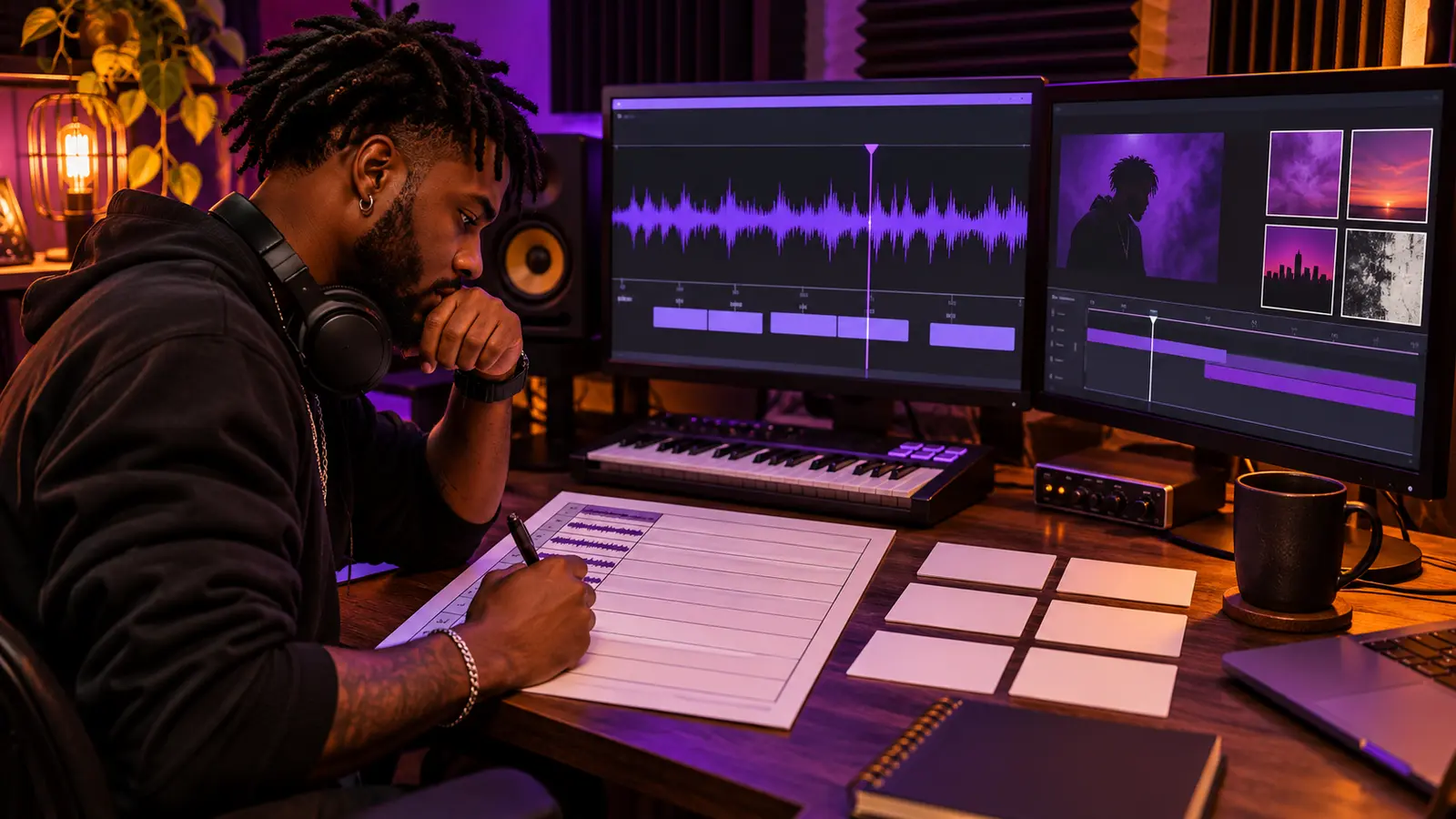
A lyric video becomes difficult to revise when the words, timing, visual treatment, and audio version live only inside an editor’s timeline. A timing sheet creates a reviewable map before animation begins: which approved words appear, when they enter and leave, how they break across lines, and what visual state belongs to each section.
This workflow assumes the artist controls or has permission to use the song, lyrics, artwork, typefaces, photos, and other visual material. It is a production checklist, not legal clearance. Confirm the real rights and platform requirements for the release.
Lock the exact audio and lyric versions
Start with one approved audio file. Record its filename, duration, version label, date, and a checksum or stable internal identifier. Do not time the video to a rough mix and silently replace it with a master that has a different intro, edit, or ending.
Next, freeze the approved lyric text. Compare spelling, punctuation, featured-artist lines, repeated sections, clean-version substitutions, and intentional nonstandard language against the recording. IHHR’s lyric-sheet preparation guide provides a disciplined source document for this step.
Map the song before individual words
Create rows for intro, verse, pre-hook, hook, bridge, break, outro, and any meaningful transition. Add each section’s start and end time, performer, visual mood, and review status. This section map gives the video rhythm before every cue is placed.
Mark instrumental passages honestly. Do not invent lyrics to fill space. Decide whether those moments hold the last line, clear the screen, show artwork, introduce a new visual motif, or remain intentionally quiet.
Give every lyric cue its own row
Use columns for cue ID, section, approved text, in time, out time, line break, emphasis, visual state, reviewer, and status. Keep one cue small enough to read without rushing. If a phrase needs two visual beats, create two rows rather than hiding both events in a note.
YouTube’s subtitle guidance describes timed-text files as text paired with time codes for when each line appears. That same principle makes a lyric-video sheet portable even when the final animation is more expressive than standard captions.
Time phrases by comprehension, not decoration
Place the entry near the audible start of the phrase, then leave enough time for a viewer to recognize the words. Check fast rap syllables, held R&B vowels, pickups before the beat, overlapping vocals, and ad-libs separately. A beautiful transition that arrives after the line has passed is not serving the lyric.
Do not force every word to animate individually. Phrase-level timing is often clearer. Reserve word-level emphasis for moments where it adds meaning and can be reviewed accurately.
Design line breaks before motion
Break lines at natural phrase boundaries. Keep names, short expressions, and closely connected words together when possible. Review the longest cue on a phone-sized preview before approving the type scale.
Record intentional capitalization and punctuation in the sheet so the editor is not making copy decisions during animation. Keep the text itself outside generated artwork; editable type is easier to proof, resize, and correct.
Separate the visual lyric from the caption track
Burned-in lyric text is part of the image and cannot be turned off or customized by the viewer. Publish an accurate caption track as a separate accessibility layer when the platform supports it. YouTube accepts basic formats including plain UTF-8 SubRip files and allows creators to upload files with timing or edit timestamps in its caption editor.
Do not assume automatic transcription will preserve artistic spellings, fast delivery, or sung phrasing. Review every caption against the approved recording. Adobe’s current Premiere guidance also exposes controls for caption length, duration, gaps, and one- or two-line layouts—useful reminders for the separate caption pass.
Create a review export before final styling
Make a plain timing proof with simple high-contrast text and cue IDs. Review it at normal speed with the final audio. Ask reviewers to report cue ID, timestamp, problem, and requested correction. “The second verse feels off” is not actionable.
After timing is approved, apply typography, movement, color, and imagery. Continue through The Signal’s independent-artist production archive if the lyric video also includes filmed performance or narrative inserts.
Run three final passes
First, proof every word without judging animation. Second, check entrances, exits, line breaks, and section changes. Third, watch the complete video on a phone and a larger screen for legibility, visual clashes, abrupt flashes, cropped text, and ending behavior.
Deliver the approved audio, timing sheet, caption file, editable project, linked assets, fonts or licenses, final exports, thumbnail, credits, and approval record. Preserve rejected versions long enough to explain what changed, and do not overwrite the approved master with an unreviewed revision.
References: YouTube Help, Supported subtitle and closed caption files; YouTube Help, Add subtitles and captions; YouTube Help, Edit or remove captions; Adobe Premiere, Create captions. Checked November 3, 2026.
Press Play above to hear IHHR or visit the official Live365 station page.