
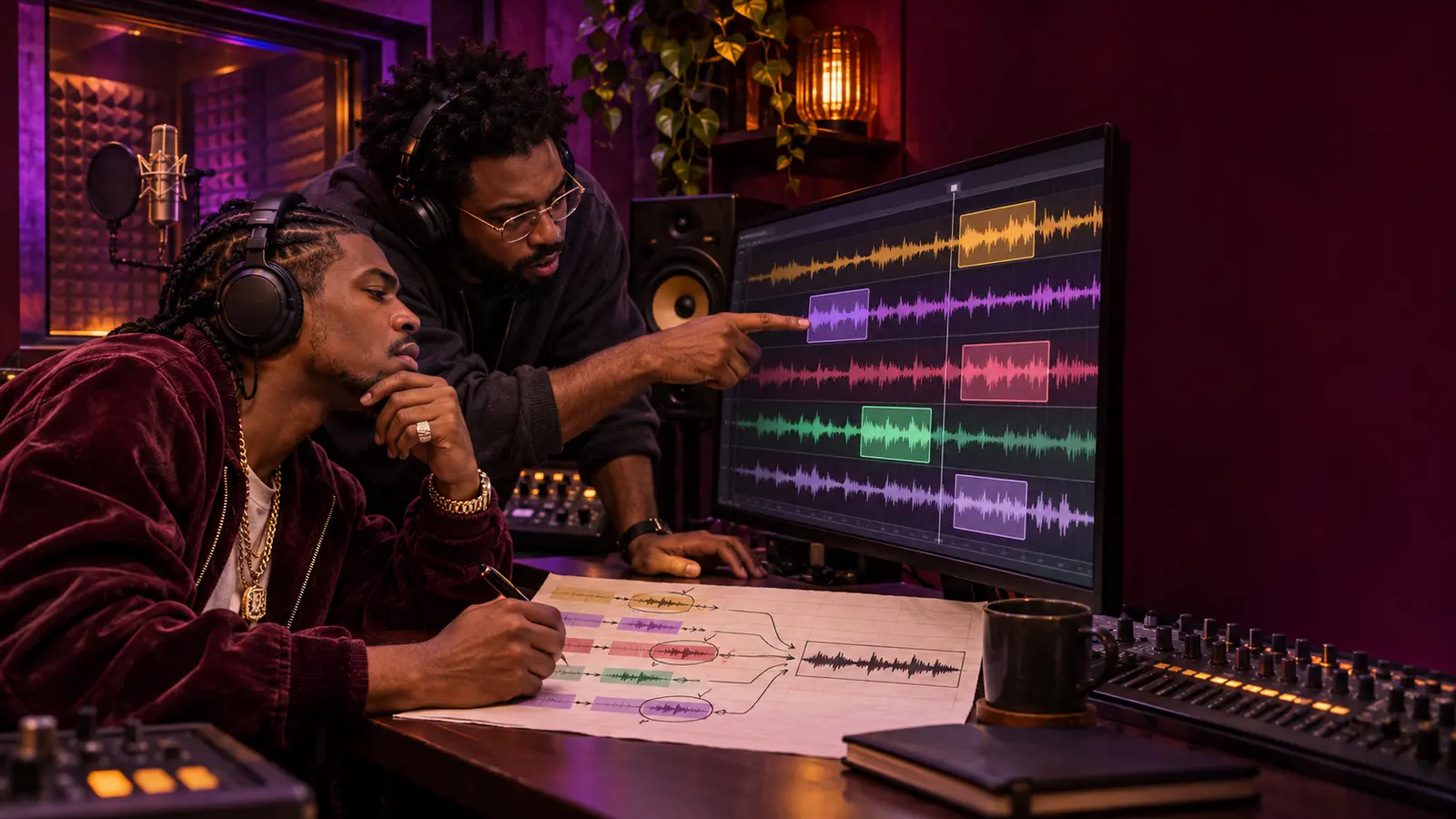
A vocal comp combines selected moments from several recorded takes into one lead performance. The goal is not to manufacture technical perfection at any cost. It is to preserve the rapper's timing, tone, breath, intention, and section-to-section momentum while using the strongest complete performance available.
A decision map makes that process reviewable. It records which take supplied each phrase, why it was chosen, where an edit needs attention, and which version the artist actually approved. The map works with any recording software; menu names differ, so confirm the controls in your own system.
Protect the raw takes
Duplicate the session or create a dated comping version before editing. Keep every source take aligned to the same timeline. Give each take a stable ID such as Lead-T01, Lead-T02, and Lead-T03 instead of labels like “good” or “final.” Record the microphone setup and source-file location only when that information is known.
Ableton Live uses parallel take lanes and copies selected material to a main lane; Avid Pro Tools uses a main playlist with alternate playlists. Both workflows preserve alternate performances while one composite is heard. Your decision sheet should remain understandable even if the session later opens in another studio.
Divide by musical phrase
Mark the verse into complete thoughts, breath groups, pickups, sustained words, ad-libs, and transitions. Use timestamps or bar-and-beat locations. Avoid cutting every line automatically at the same visual grid point; a phrase may begin before the bar or carry into the next one.
Start with the longest convincing passage from a single take. That keeps tone and physical energy continuous. Replace smaller regions only when another performance clearly improves the song or corrects an agreed problem.
Use a two-pass audition
On the first pass, listen without watching the waveform. Score meaning, pocket, articulation, breath, pitch where relevant, and consistency with the surrounding lines. On the second pass, inspect edit feasibility: background noise, overlap, clipped words, different room tone, and whether the switch lands inside a consonant or breath.
Do not choose a phrase solely because it looks larger, cleaner, or more centered. The waveform cannot show whether the line communicates. If two choices are close, preserve both as labeled alternates rather than forcing certainty.
Build the decision map
Use columns for cue ID, location, lyric or neutral phrase label, source take, reason selected, edit-in point, edit-out point, breath choice, cleanup needed, reviewer, and status. Do not circulate full lyrics when a cue label and timestamp are enough.
Keep the comp source visible. Ableton's source highlights and Pro Tools playlist views are examples of software features that show where selected material came from. The paper or spreadsheet map provides the portable record when those session views are unavailable.
Check every seam in context
Loop across the edit, then play at least one full line before and after it. Listen for doubled consonants, missing breaths, sudden ambience changes, cut-off tails, timing jolts, and emotional shifts. Add short fades only where they solve an audible seam; never assume a default fade makes a musical switch invisible.
If the problem really needs a new performance, return to the IHHR rap vocal punch-in workflow instead of building a fragile patch from unsuitable takes.
Approve one reversible version
Export a reference with the session version in its filename. Ask the artist to review the entire verse or song, not only the changed lines. Record the approved version, date, reviewer, remaining alternate, and any open edit. Keep the source takes and the decision map after consolidation.
Share general technique—not private vocals, lyrics, or session files—in the reviewed IHHR artist forum when a workflow question could help other independent artists.
References: Ableton Live 12 Manual, Comping; Avid, How to Use Playlists in Pro Tools. Checked November 7, 2026.
Press Play above to hear IHHR or visit the official Live365 station page.