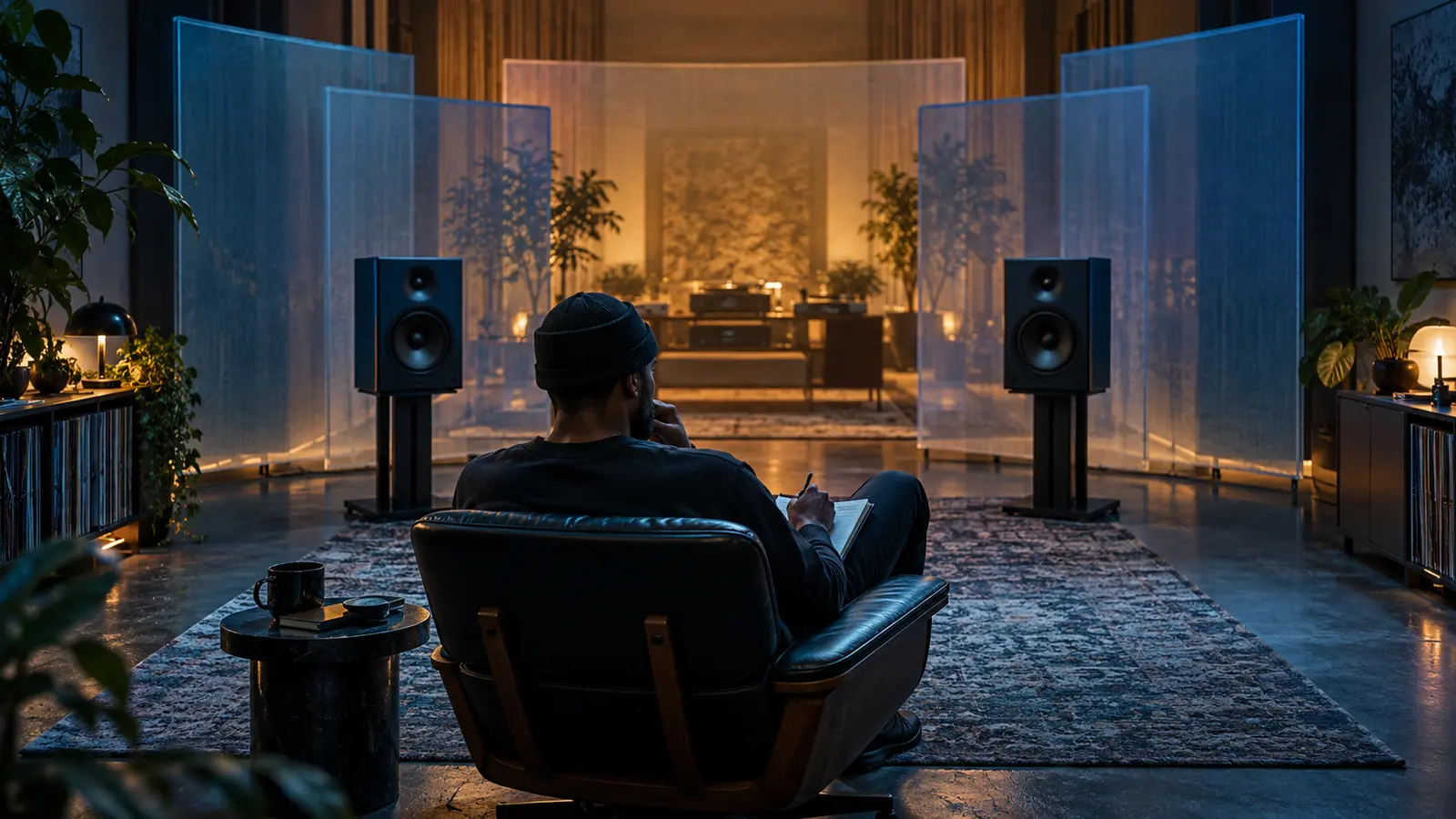
Mix depth is the impression that some sounds sit close to the listener while others seem farther behind them. In rap and R&B, a dry or detailed lead can feel near, while room sound, reverb, quieter support voices, or softened instruments appear deeper in the scene.
This exercise describes the finished recording. It cannot prove which plug-in, microphone, room, or automation move created the result. Use audible comparisons and leave undocumented production choices unknown.
Draw three zones instead of a technical diagram
Make three columns: foreground, middle, and background. Play the official full-length recording at one comfortable level. On the first pass, place only the most obvious anchor in each zone. Do not pause to identify every layer.
Foreground means the element feels closest or most immediate, not automatically loudest or most important. Background means farther away, not low quality. The middle zone is where many supporting instruments and responses may connect the two.
Follow the lead through a section change
Track the lead vocal from verse to hook and into the bridge or outro. Does it remain at the front while the space behind it expands? Does the voice move deeper for an ad-lib, memory, response, or transition? Write the timestamp and the before-and-after relationship.
If a new R&B stack changes the scene, compare it with the background-vocal planning guide. The exercise helps separate the musical role of a stack from its final apparent distance.
Separate depth from left and right
A sound can feel far away and still be centered. Another can feel close and sit at one side. Use the left-center-right listening map on a separate page so width and depth do not collapse into one vague word.
Listen for direct detail, brightness, transient clarity, ambience, tail length, and the balance between an original sound and its surrounding reflections. These clues can affect perceived distance, but none of them alone proves a production method.
Listen to the space after the sound
Choose a short vocal ending, snare, clap, key, or sample. Follow what remains after the direct sound stops. Is there a short room impression, a longer tail, a repeated delay, or almost no audible trail? Does that trail stay behind the lead or briefly become the main event?
Ableton’s current audio-effect reference describes reverb as simulating acoustic space. Its Reverb and Hybrid Reverb documentation distinguishes the direct signal from reverberation, describes predelay as the time before the first early reflection, and provides separate size and decay controls. Those definitions explain possible tools; they do not identify what a released record used.
Map drums and bass separately
Follow the kick, snare, percussion, and bass one at a time. A punchy center can feel near while a clap layer or percussion response sits deeper. Low-end weight can dominate attention without feeling physically close in the same way as a detailed vocal.
Pair the map with the dynamic-contrast exercise. Turn neither exercise into a loudness contest: depth can change while the overall level stays steady, and a louder element is not always the nearest-sounding one.
Compare verse, hook, and bridge as scenes
Create one row per section and list no more than five elements. Mark any layer that moves zones. The hook may feel larger because more background layers arrive, because an effect tail lengthens, or because the verse kept most elements dry and close.
Use the negative-space guide to notice when an empty pocket makes a later background layer easier to hear. Arrangement can reveal depth even when the underlying effects do not change.
Write one observation you can defend
A useful note names section, element, zone, and change: “At 0:52, the lead stays in front while the response appears deeper and continues after the phrase.” Avoid “they added a hall reverb” unless a reliable source documents it.
Try the exercise while listening through IHHR’s live player, then bring a specific observation to the live chat without quoting protected lyrics. Find more listening methods in The Signal.
Reference: Ableton Live 12 Manual, Live Audio Effect Reference. Checked October 27, 2026.
Press Play above to hear IHHR or visit the official Live365 station page.