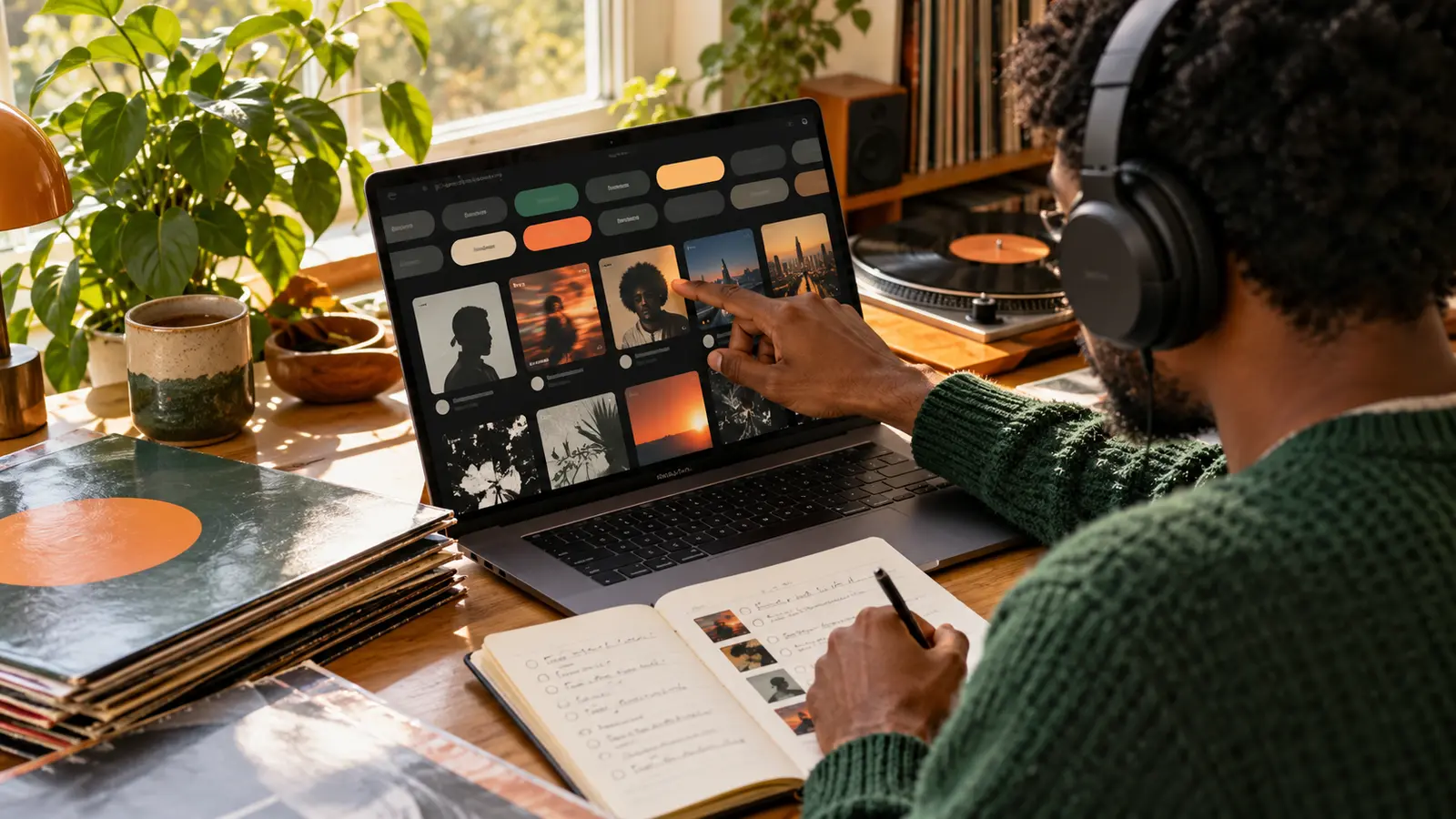
Tags can turn a broad search such as “independent hip-hop” into a smaller listening path shaped by genre, location, format, or mood. The useful move is not opening every result. It is choosing one starting tag, adding one filter at a time, and checking each artist’s official page before saving a track.
This guide uses Bandcamp as one discovery tool. A tag is supplied by an artist or label and can be broad, subjective, incomplete, or promotional. Treat it as an invitation to listen, not proof that every release fits a scene or identity.
Choose one anchor tag
Begin in Bandcamp Discover with a genre that matches what you actually want to hear, such as hip-hop/rap or R&B/soul. Then add one narrower tag—regional rap, boom bap, alternative R&B, instrumental hip-hop, soul, or another term you understand.
Bandcamp’s current help documentation says tags support its Search and Discover features and can come from an artist profile, location, album, or track. Because artists choose these labels, use them to open a door rather than settle an argument about genre.
Add one constraint and compare the change
Try a location, category, or second tag. Bandcamp’s Discover interface supports exploring by genre, category, artist location, and combined tags. Compare the first page of results before and after the new constraint. If the list becomes random or empty, remove the last filter instead of piling on more.
Keep a note of the exact path that produced a useful discovery. “Hip-hop/rap + New Jersey + fresh” is reproducible; “I clicked around for an hour” is not.
Open the artist page before judging the catalog
Play the featured track as an introduction, then open the release page. Confirm the artist name, release title, date, label if listed, credits, and location language. Do not assume a location tag means every member lives there or that the recording was made there.
Bandcamp’s May 2026 Discover guidance says eligible digital albums need a featured track, public availability, artwork, and other conditions, while standalone tracks do not appear on the Discover page. That means Discover is useful but not a complete inventory of everything published on the platform.
Follow one tag sideways
When a release connects, choose one of its tags and open that tag across the platform. Listen to two results that share the tag but differ in artist, location, or year. Write one musical similarity and one difference. This tests whether the tag is helping or merely repeating a label.
If several results share a label, switch to the independent-label catalog method. If a producer credit becomes the stronger trail, use the producer-credit discovery guide.
Verify before you recommend
Use the artist or label’s official Bandcamp page and any linked official channel to confirm that the release belongs to the artist you mean. Similar names can collide. Keep role language exact, and do not invent hometowns, listener counts, rankings, or career claims from a tag page.
After choosing a track, try the front-to-back depth exercise for a focused second listen. Describe what you heard in the recording rather than promising that other listeners will react the same way.
Build a five-item trail, not an endless tab pile
- Save the starting release and its verified artist page.
- Add two releases found through the same tag.
- Add one release reached through a location or second tag.
- Add one release reached through a confirmed label, feature, or producer connection.
For each item, keep the discovery path and one listening question. The listening-queue guide can help you finish the set before collecting more.
Support the route you verified
If you decide to follow, buy, or share, use the artist’s official page and respect the stated terms. Do not download through unauthorized copies or present marketplace tags as independent editorial endorsements.
Return to IHHR’s live player for another starting point, browse The Signal, or subscribe to the IHHR newsletter for listener-focused stories and station updates.
References: Bandcamp Help, What are tags?; Bandcamp Help, Optimize your release for Discover; Bandcamp, Discover: A New Way to Shop. Checked October 27, 2026.
Press Play above to hear IHHR or visit the official Live365 station page.