
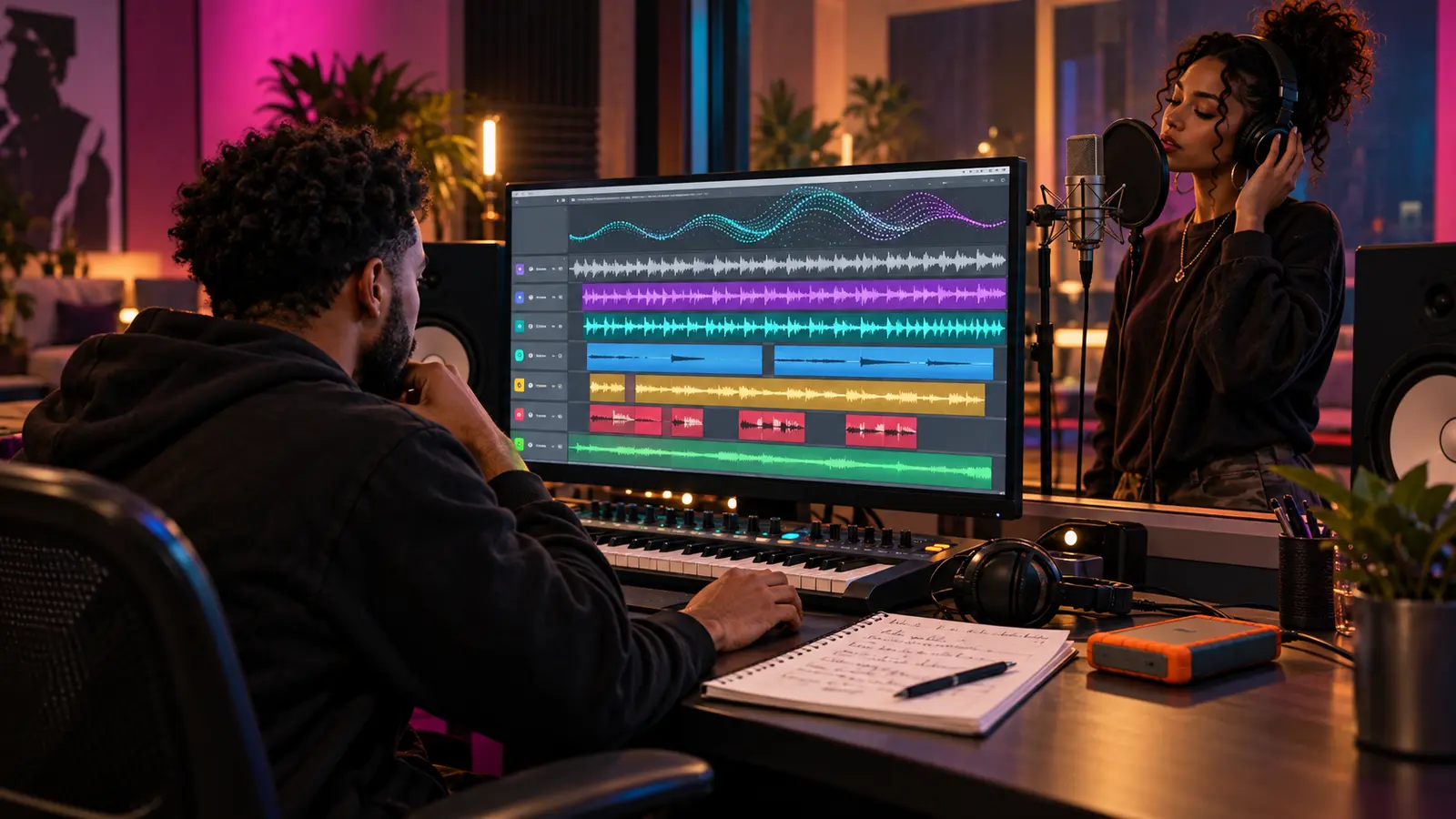
An AI-assisted instrumental is not ready for a human vocal session merely because it plays from beginning to end. The singer or rapper needs a stable arrangement, reliable timing, clear cues, usable audio files, and an honest record of where the material came from.
This is an operational checklist, not legal advice. Confirm the tool’s current terms, the source of every uploaded or sampled element, collaborator permissions, and the requirements of the distributor, publisher, label, or client before release.
Freeze one approved arrangement
Choose the exact version the vocalist will hear and give it a date and version number. Stop generating alternatives during the session unless the change has a defined musical purpose. Save the audio file, project or generation record, and a checksum or other file identifier so everyone can return to the approved version.
If several outputs are still competing, use the AI music variation comparison workflow before booking the vocalist. A recording session is expensive time to spend deciding which instrumental is the song.
Document the source and permissions
Write down the tool and version when available, account or license tier, generation date, prompts or control settings you are allowed to retain, uploaded source material, samples, later human edits, and every collaborator’s role. Save the applicable terms or receipt with the project.
Use the AI-assisted music session log to separate source facts from memory. Do not claim that a workflow guarantees copyright, clearance, ownership, or platform acceptance. Escalate unclear rights questions to qualified counsel or the relevant platform.
Test whether the file behaves like a recording master
Listen from start to finish on headphones and monitors at a comfortable level. Check for clipped peaks, sudden silence, artificial tails, unstable tempo, unexpected artifacts, repeated transitions, and a cutoff at the ending. Do not repair an artifact by hiding it under the vocal without telling the performer or engineer.
Confirm the file format, sample rate, bit depth, channel layout, and length. Keep the original generation or source file untouched. Make processing and repair versions as new files with readable names.
Create a vocal-session reference
Export a clearly labeled full instrumental reference that starts at a known point and includes enough lead-in for the vocalist. Record the intended tempo, time signature, key only if it has been confirmed, and any deliberate tempo or meter changes. Add bar numbers or timestamps for intro, verse, pre-hook, hook, bridge, breakdown, and outro.
Write performance cues in plain language: “eight-bar intro,” “hook enters after drum drop,” or “outro leaves two bars for ad-libs.” Do not add invented production credits or pretend a detected key is certain when it is only a software estimate.
Export usable parts when they truly exist
If the project contains separate original tracks, export aligned parts or stems from the same start to the same end. Include a full mix and a simple no-lead reference. Keep master-bus processing decisions documented so the engineer knows whether a stem set is meant to rebuild the sound or provide flexible support.
Ableton’s current stem guide recommends rendering the whole arrangement from beginning to end, keeping files aligned, and matching sample rate with the recipient. It also distinguishes stems from individual parts. Follow the receiving engineer’s specification when it differs.
Treat source separation as a draft, not a recovery miracle
If the tool produced only a stereo file, source separation may create rough vocal, drum, bass, or other categories for editing or cueing. Listen to every separated file in solo and together. Bleed, missing attacks, phasey textures, or misplaced instruments can make separated audio unsuitable for a final stem delivery.
Ableton’s current manual says its stem-separation process analyzes spectral and temporal features, and it warns that some elements can end up in unexpected stems. Label separated outputs as separated, not original multitracks, and keep the untouched stereo file beside them.
Build the recording session before the vocalist arrives
Import the approved reference and parts at their shared start point. Set the project format, confirm sync, create named lead, double, harmony, ad-lib, and alternate lanes as needed, and test the microphone path. Put the cue map and lyric draft where performer and engineer can reach them.
Save a clean template version before recording. Back it up to a second location, and keep enough free storage for takes. The session should be able to continue even if the generation service is unavailable.
Run a human approval pass
Let the vocalist and producer hear the entire arrangement before the first take. Invite them to flag an awkward transition, distracting artifact, range problem, missing space, or cue that contradicts the performance. Record approved changes in the log and increment the version instead of overwriting the package.
After recording, preserve the human performances, comps, edits, and approvals separately from the instrumental source. Use the reviewed artist forum for general workflow discussion without uploading private files, and return to The Signal for more practical independent-music guidance.
References: Ableton Support, Importing and exporting stems; Ableton Live 12 Manual, Stem Separation. Checked October 28, 2026.
Press Play above to hear IHHR or visit the official Live365 station page.