
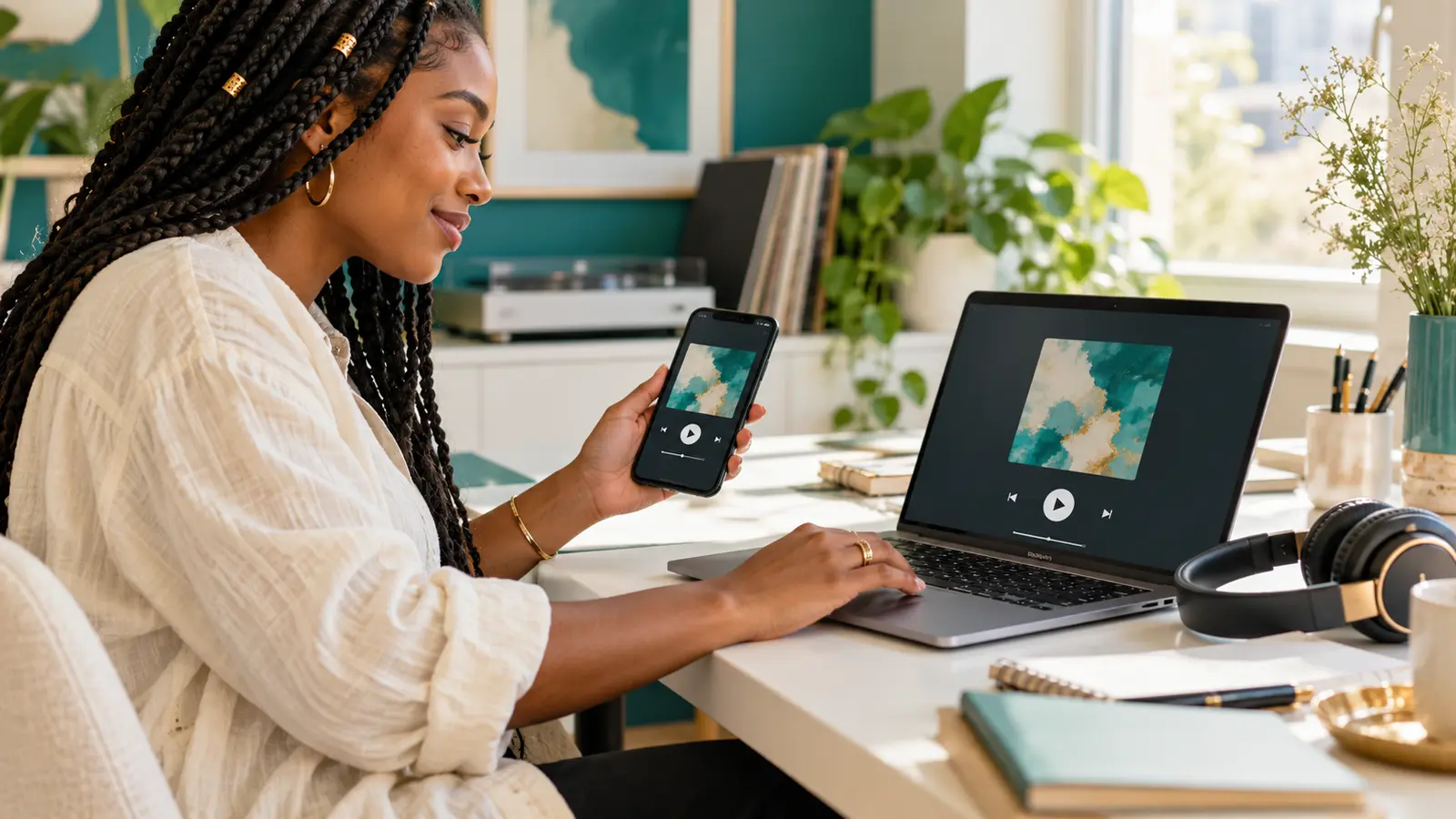
A listening link is part of the release experience. If it opens an account dashboard, requests unexpected access, points to the wrong master, or buries the song below unrelated material, a carefully written message cannot fix the first impression.
Test from the recipient's position, not from the account that owns the files. The goal is a reliable path into the music, not a promise that anyone will listen, reply, feature the release, or play it on air.
Decide what this link is for
A public release page, private review stream, downloadable radio file, and press folder serve different jobs. Name the intended action before choosing the destination. Do not send a folder containing every asset when the recipient asked for one stream.
Match the link to the song and purpose established in the EP focus-track guide. A radio contact should not have to guess which recording you want considered.
Open it outside the owner account
Copy the exact link from the message you plan to send. Open it signed out or in a private browser window, then test on a second device if available. Check for login prompts, access requests, unavailable previews, regional notices, or expired sharing permissions.
A private window is useful for testing account access; it does not make a link confidential or prove it works in every country. For genuinely private material, use the access controls appropriate to your agreement. Do not make an unreleased recording public just to remove one testing hurdle.
Press Play and hear the actual file
Confirm that playback starts after a deliberate tap, the correct artist and title appear, and the audio is the approved version. Check the intro, a verse, the hook, and the ending; listen in full when validating a new upload.
Distinguish explicit and clean versions clearly. If a replacement has been uploaded, repeat the test instead of assuming the old link now serves the right file. Resolve outstanding changes through a clear mix-revision brief before calling the audio final.
Check the page on a phone
Look for the play control without zooming or closing a stack of unrelated overlays. Check whether the title wraps sensibly, credits remain readable, artwork loads, and the primary action is usable. Avoid an unexpected download when the message promises a stream.
Where you control the page, give controls and links meaningful labels. W3C's accessibility guidance recommends link text that describes its purpose. “Listen to Artist — Track” tells someone more than a row of identical “click here” labels. This is one helpful practice, not a claim that a page has passed a full accessibility audit.
Keep the release identity consistent
- Artist and title: exact spelling across the message, page, file, and artwork.
- Version: clean, explicit, instrumental, preview, or approved master as appropriate.
- Availability: planned release date versus already available.
- Credits: confirmed contributor names and roles.
- Next step: one appropriate action, with a professional contact when needed.
If a press page needs a concise introduction, use the independent-music one-sheet checklist. Keep unverified placements, audience numbers, and endorsements off the page.
Separate editorial outreach from paid services
A working link does not purchase attention or establish acceptance. Follow the recipient's actual submission instructions. If you are preparing an IHHR commercial inquiry, review the scope of the paid radio-promotion packages separately. Checkout remains disabled, and DRT/WARM tracking is coming soon.
For an artist story presented through a sponsored feature rather than independent coverage, see the paid Artist Spotlight. Keep that commercial context explicit; testing a link is not permission to describe a paid placement as an independent endorsement.
Log the check and send the tested address
Record the date, destination, version, access setting, and devices used. Paste the tested address into the final message, then test that exact message link once more. Avoid changing sharing permissions immediately after sending unless there is a real reason, and tell the recipient if the route changes.
As a final presentation check, describe one audible detail the listener can find, using the call-and-response listening guide when it fits the recording. Browse The Signal for more release preparation, or return to IHHR's live player.
Reference: W3C WAI, Providing link text that describes the purpose of a link, checked October 18, 2026.
Press Play above to hear IHHR or visit the official Live365 station page.