
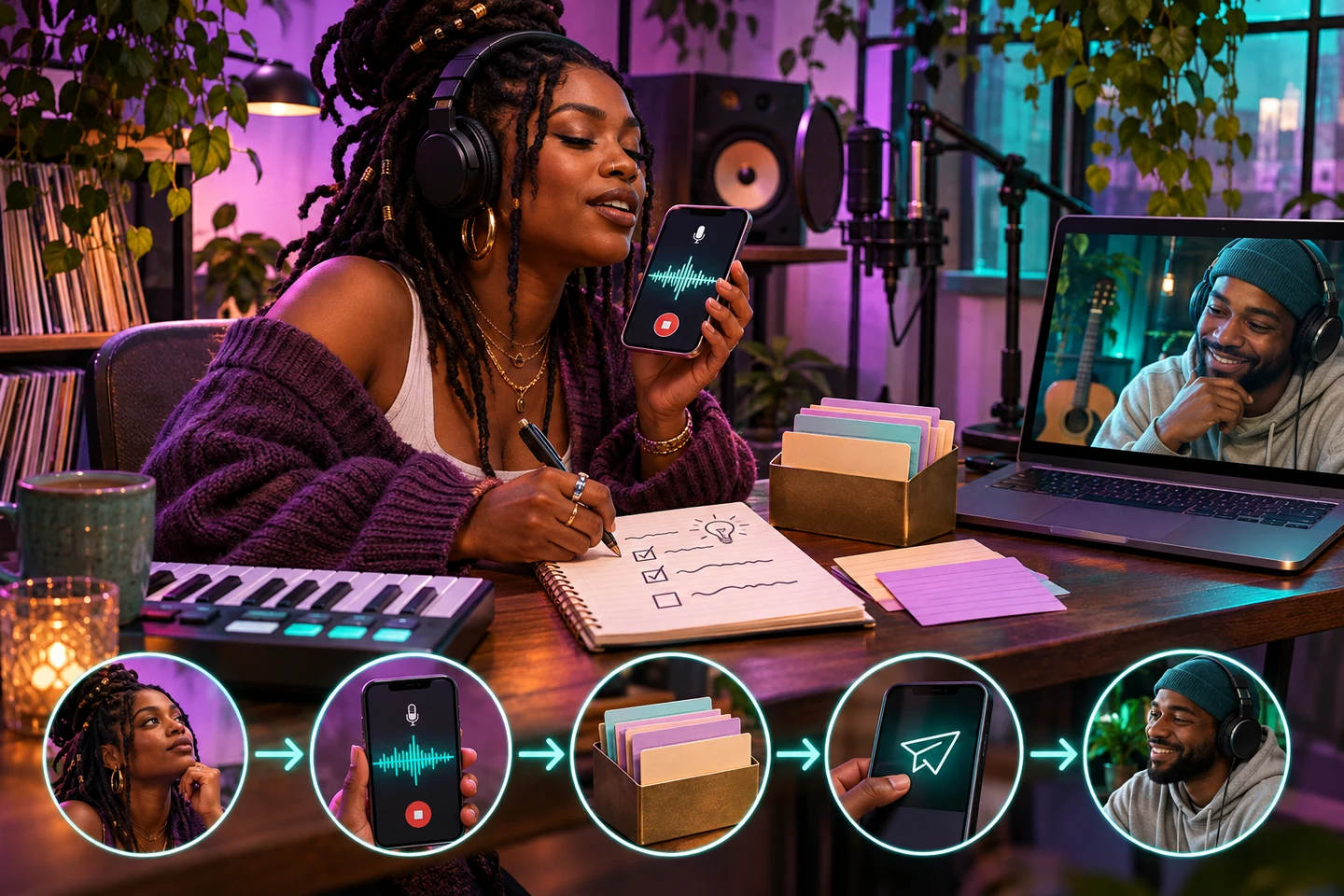
A phone voice memo can preserve the part of a song idea that matters most: a melody, cadence, lyric shape, chord motion, drum feel, or arrangement turn before it disappears. It is not automatically a useful collaborator handoff. A file called “New Recording 47” with no status, count-in, or request can make the recipient guess which idea is current and what they are supposed to do with it.
The goal is not to make a phone recording sound like a master. The goal is to make one idea identifiable, playable, and safe to discuss without confusing it with an approved performance or release file.
Choose one idea and one decision
Begin with the smallest complete purpose: develop a hook melody, test a verse cadence, identify the next chord, choose between two endings, or confirm whether a section feels long enough. Write that decision in one sentence before exporting anything.
If the memo contains several unrelated ideas, split them into separate handoffs. A collaborator can compare two clearly labeled options, but should not have to search a twenty-minute recording for the four bars that need attention.
Freeze a stable source file
Duplicate or preserve the original recording before trimming, enhancing, or renaming it. Export a copy to a project folder rather than relying on the memo app as the only location. Apple’s current Voice Memos guidance says a rendered share creates one .m4a file with effects and layers mixed in, while an editable share can retain compatible layers and effects. Record which option you used because the recipient may hear or receive something different.
Do not overwrite the first export after sending it. A dated copy lets both people refer to the same audio when the idea changes later. Keep private drafts and unrelated recordings out of the shared folder.
Name the file for recognition, not hype
Use a pattern such as project_section_creator_YYYYMMDD_v01. Add “rough,” “voice-memo,” or “idea” when that status matters. Do not label a demo “final,” “master,” or “approved” unless the team has actually reached that state.
Inside the note, repeat the project placeholder, recording date, creator or sender, section, and version. File names can be shortened, duplicated, or detached from messages; the note preserves the identity of the handoff.
Add a section and timing map
Give the recipient two or three landmarks: “count-in at 0:02,” “hook idea at 0:08,” and “alternate ending at 0:31.” If the memo has no stable tempo, say so. If you estimated a tempo, label it as an estimate rather than presenting it as session data.
Describe the form in plain language—four-count lead-in, verse fragment, hook, pause, alternate hook. When the idea was created during a group session, keep the handoff aligned with the roles and next actions in the IHHR collaborative writing-session workflow.
Describe musical intent without overexplaining
Name the element that must survive the next draft: conversational rhythm, long first note, late snare relationship, falling bass motion, or unresolved chord color. Avoid a paragraph of mood words when one audible instruction will do.
If a note seems to continue while the harmony changes, do not force a theory label. Compare the preparation, held tone, chord change, and resolution with the IHHR suspension listening exercise, then write what you can actually hear.
Separate fixed material from open material
Use two short lists. Fixed items might include the approved lyric subject, section length, vocalist, or a collaborator’s existing part. Open items might include key, tempo, voicing, drum texture, or the final words of a line. This prevents a creative response from accidentally replacing something the team meant to preserve.
Do not claim ownership or approval for another person’s contribution. If the memo contains a collaborator’s performance, sample, beat, or private conversation, confirm that you are authorized to send it to the named recipient and limit access to the intended team.
Ask for one deliverable
Request a specific response: a timestamped note, a chord suggestion, one counter-melody, a yes-or-no choice between endings, or a new demo by an agreed date. State the format you can review. “Send ideas” creates more ambiguity than “send one sung counter-melody over the second hook as a separate memo.”
Also say what not to send. If you are not ready for a full production, mix, public link, or social post, make that boundary explicit.
Use a compact handoff note
- File: exact filename and version.
- Status: rough voice-memo demo, not release audio.
- Landmarks: two or three useful timestamps.
- Keep: the musical element that should remain recognizable.
- Open: the decision the collaborator may change.
- Return: one requested deliverable, format, and date.
- Privacy: who may access the file and whether it may be forwarded.
After the collaborator responds, save the reply beside the original handoff and start a new version. A disciplined voice-memo workflow keeps the speed and honesty of the first idea while giving the next person enough structure to make a useful contribution.
References: Apple Support, Share a recording in Voice Memos on iPhone; Apple Support, Export a Voice Memos recording to Files on iPhone. Checked November 13, 2026.
Press Play above to hear IHHR or visit the official Live365 station page.